
Add your kid
Sign in with your email and type your kid's name. They get a bird of their own.

Who are the messages for?
Juniper
Add Juniper
Voice messages for kids
Grandma opens a link, hears your kid say hello and talks after the chirp. By bedtime her voice is on their Yoto. Nothing for her to install.

Each message shows up in the app the moment it's left. Play it first, keep it, delete it, or pause someone for a while.
See how setup works
 merlo
Kids
Juniper2 new messages TheoLast message 3d ago
Recent
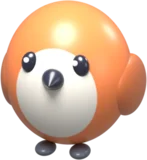 Grandma to Juniperjust now · 42s
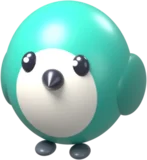 Pop to Juniper2h ago · 1:05Grandma to Theo3d ago · 2:40
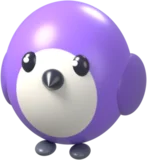 Auntie to Juniper5d ago · 55sJuniper38 messages from 4 people
Messages
Greeting
Who can leave messages
GrandmaJoinedPopJoinedAuntieInvite sent, not opened yetUncle RayPausedSign in with your email and type your kid's name. They get a bird of their own.
Who are the messages for?
Hand your kid the phone for up to 30 seconds. Family hear it before the chirp.
"Hi, it's Juniper! Leave me a message after the chirp!"
0:06
Type a name and text them the link. It opens on their phone with nothing to install.
GrandmaJoinedPopInvite sent, not opened yetA message for Juniper
Grandma taps Call, hears Juniper say hello, waits for the chirp and talks. At bedtime Juniper slides her card into the Yoto, and there's Grandma.
The invite opens a page with one big Call button. They hear the greeting, talk after the chirp, and listen back before they send it.
merloJuniper
Recording0:31
Up to 3 minutes
Hang up and listen back
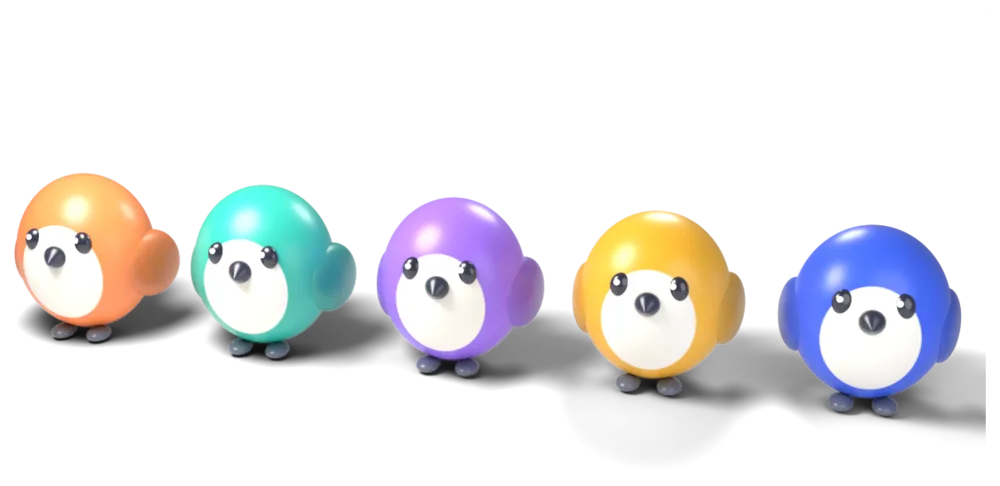
Messages go on a blank Make Your Own card, up to 100 of them. Pop the card back in and the new ones play last.

An old tablet or phone becomes a player with big buttons, their messages and nothing else.
A private feed for each kid, for the car on the way to school or the speaker in the kitchen.
One number to ring: grandparents call to leave a message, kids call to hear theirs. No smartphone needed.
Turn on screening and new messages wait for you to say yes before your kid hears them.
PopWaiting for you · 1:05Every message comes with a transcript, so you can skim it on a busy afternoon.
Grandmajust now · 42s"Hello my sweet pea, it's Grandma. I saw the picture of your snowman and I laughed so much..."
Family can record a birthday message early. It stays a surprise until the day itself.
Juniper turns 6 on March 14
AuntieBirthday messageWaitingPopBirthday messageWaitingChoose how many messages a day each person can leave for your kid, or pause someone for a while.
JuniperMessages a day from each person5One household plan covers every kid and everyone who leaves them messages.
Read the questions
For families who start now
Freewhile Merlo is in beta
Start the betaAfter the beta ends
Monthlyprice set before the beta ends
Ask about pricingWhat parents and grandparents ask before they start.
Email us a question
Hi Grandma
Dad invited you to leave voice messages for Juniper. This link works on one phone.
Only people you invite. Each invite link works on one phone and expires after 7 days if nobody opens it.
Neither. Messages also play on the Merlo kid player in any browser, or in a podcast app on your phone.
Any blank Make Your Own card. You link it to your kid's playlist once, in the Yoto app.
Yes. Every message shows up in your app as it arrives. With screening on, nothing reaches your kid until you say yes.
No. Merlo is independent and not affiliated with Yoto. It connects through Yoto's public developer API.
